The best Brawl Stars control settings in 2026 are built around layout, not a hidden sensitivity slider. Use a locked medium-large movement joystick, place the Attack button where your right thumb naturally rests, keep Super close to Attack, move Gadget and Hypercharge slightly above the main thumb path, enable haptic feedback if it helps confirm long-range hits, and run the highest stable refresh rate your phone supports.
Before spending on skins, passes or mobile credit, tune the layout first. Then use Apple Gift Cards from AR-PAY or Google Play cards from AR-PAY to fund the account after your controls feel consistent.
Best Brawl Stars Control Settings 2026
| Control setting | Recommended 2026 setup | Best for |
|---|---|---|
| Movement joystick | Locked, medium-large | Stable dodging, muscle memory, fewer thumb slips |
| Attack button | Medium, natural thumb-rest position | Manual aim, long-range drag shots, comfortable tracking |
| Super button | Large, close to Attack | Fast Super chaining after a confirmed hit |
| Gadget button | Medium-small, shifted upward | Fast reaction plays without blocking the right lane |
| Hypercharge button | Near Gadget for claw users | Instant power plays while aiming |
| Haptic feedback | On if vibration helps you confirm hits | Piper, Mandy, Belle and long-range maps |
| Refresh rate/FPS | Highest stable option, ideally 90Hz or 120Hz | Lower input delay and smoother manual aim |
What Affects Brawl Stars Sensitivity?
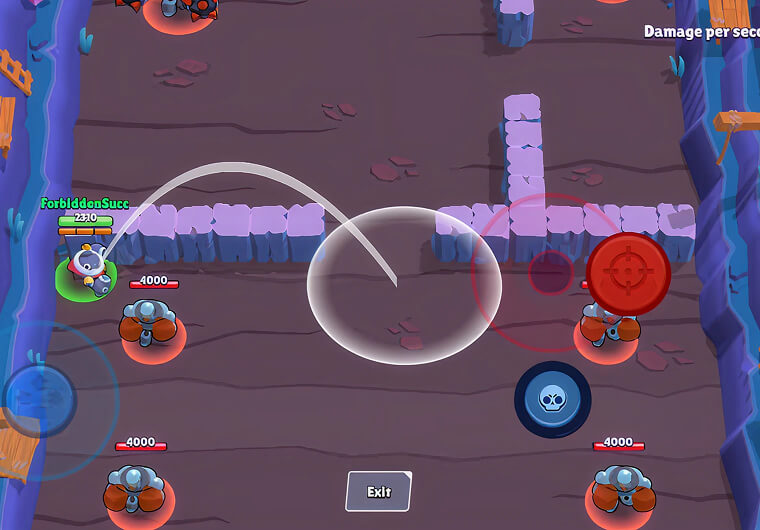
Brawl Stars sensitivity is really the combined feel of screen response, button placement, joystick behavior and thumb travel. If your Attack button is too far from your resting thumb position, every manual aim feels slower. If your joystick is unlocked and your finger slips, movement feels inconsistent. If the phone drops frames, even a good layout feels delayed.
That is why the better keyword target is best Brawl Stars control settings rather than one fixed sensitivity value. The right setup reduces thumb travel and protects muscle memory, which is what players actually mean when they search for Brawl Stars sensitivity settings.
Best Brawl Stars Layout Settings for Mobile
Locked Joystick vs Unlocked Joystick
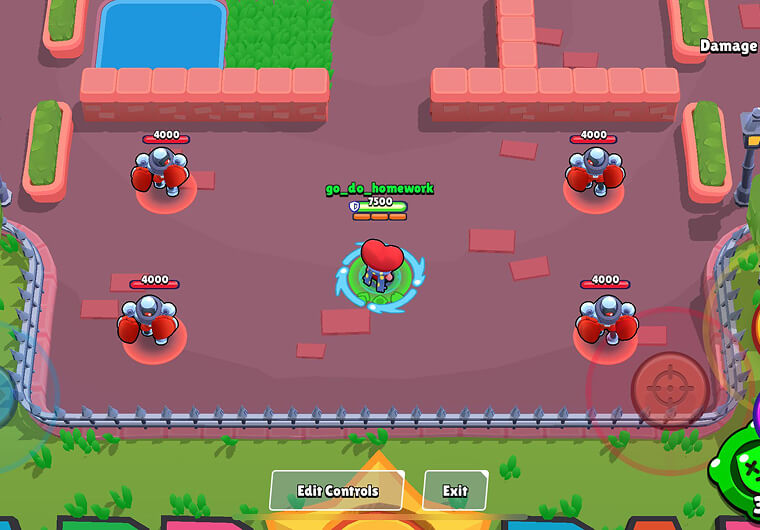
Use a locked joystick if you care about ranked consistency. A fixed position makes micro-dodging easier because your thumb returns to the same anchor every fight. Unlocked joystick can feel comfortable casually, but it is easier to drag too far or start from a slightly different point during pressure fights.
Attack Button Placement
Place the Attack button exactly where your right thumb rests when you hold the phone naturally. A medium Attack button is the safest starting point: large enough to tap reliably, but not so large that long-range drag aiming becomes clumsy. Sharpshooters and throwers often benefit from a slightly tighter attack area because it reduces over-drag on maximum-range shots.
Super Button, Gadget and Hypercharge Placement
Keep Super close to Attack and make it slightly larger than default. Put Gadget and Hypercharge above the Attack/Super cluster, not directly on top of it. This gives you faster access while reducing accidental taps. On tablets or large phones, a three-finger claw layout can put Gadget and Hypercharge under the right index finger, but only use it if it does not block your lane vision.
Best Control Layouts Tested: Default vs Claw
The default layout is easy for beginners, but it delays Gadget and Hypercharge reactions because the right thumb handles every combat button. A two-thumb layout is fine while learning, but serious players usually outgrow it once fights require instant Gadget timing.
A three-finger Gadget layout is a strong middle step: right thumb handles Attack and Super, while the index finger triggers Gadget. The fastest layout adds Hypercharge to that index-finger zone as well. The tradeoff is visibility. If the upper-right buttons cover enemies, shrink them or move them closer to the edge.
Do not judge a new layout after one match. Give it at least two days of normal play before deciding. Control changes need enough repetition for your thumb path to settle.
Manual Aim vs Auto-Aim in Brawl Stars
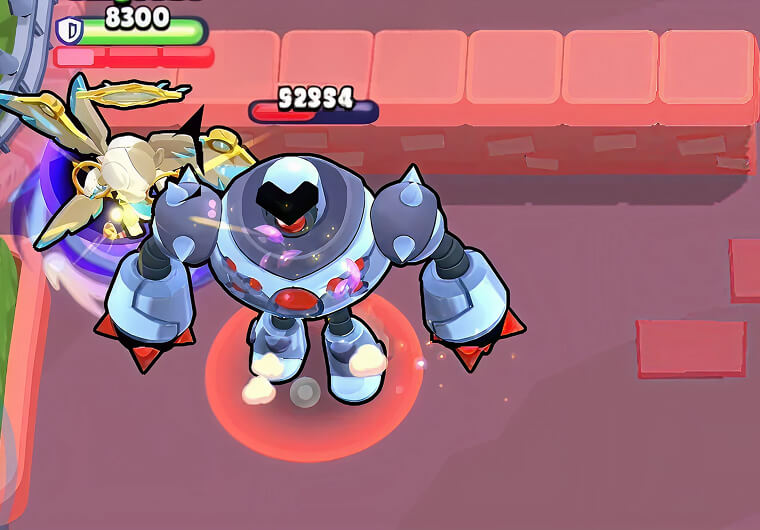
Auto-aim is strongest at point-blank range, especially for tanks and assassins that burst targets standing on top of them. Manual aim is better for long lanes, predictive choke shots, thrower arcs and skill-shot Supers. The best players switch between both instead of treating one as the only correct option.
| Aim type | Use it when | Good examples |
|---|---|---|
| Auto-aim | Enemy is overlapping your hitbox or cannot dodge | Bull, El Primo, Edgar, Kenji |
| Manual aim | Enemy is at range, behind cover or moving through a choke | Piper, Belle, Brock, Dynamike, Mandy |
| Hybrid | You need quick close-range shots but must manually place Super | Mortis, Buzz, Melodie, Fang |
Brawl Stars Tier List Control Settings by Role
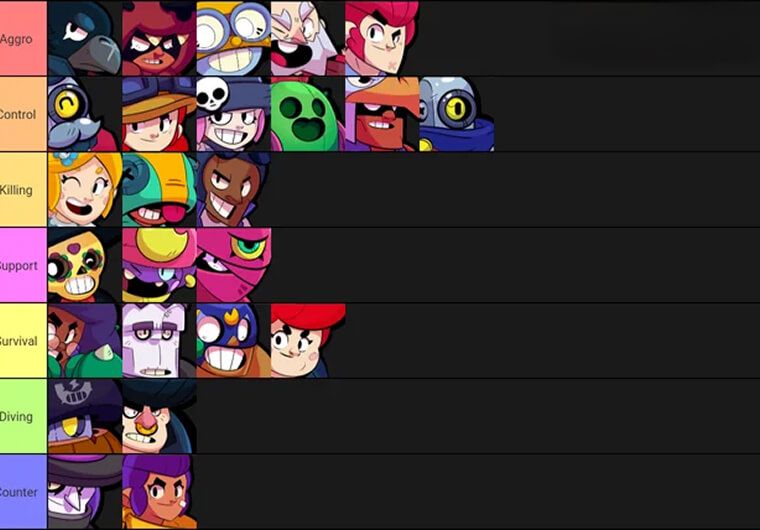
A Brawl Stars tier list should change which brawlers you practice first, not force you to rebuild your whole layout every day. Use tier-list data to identify high-value picks, then keep one base layout and make small role-specific adjustments.
For current meta movement, check a live Brawl Stars tier list before upgrading brawlers. Then apply the matching control preset below.
S-Tier Sharpshooters and Throwers: Smaller Attack Button
For long-range or thrower picks, keep the Attack button medium and avoid crowding the right side of the screen. This helps with predictive shots, max-range drag aiming and choke control. If Piper, Belle, Brock, Mandy, Tick or Dynamike are strong in the current Brawl Stars tier list, prioritize manual-aim comfort over giant buttons.
S-Tier Assassins and Tanks: Larger Super and Gadget Buttons
For assassins and aggro tanks, fast button access matters more than perfect long-range drag space. Make Super large, keep Gadget reachable, and consider the claw layout if you play Mortis, Buzz, Melodie, Edgar, Fang or similar dive brawlers. This is where a top-tier brawler can feel much stronger with a faster layout.
Support and Control Brawlers: Clean Vision First
For support and control brawlers, avoid oversized upper-right buttons that hide lanes, bushes or choke points. A clean screen matters because your job is usually spacing, zoning and timing rather than instant dive combos.
Bolt Brawl Stars Control Settings
Bolt Brawl Stars searches often come from players trying to decide whether one brawler needs a special layout. The safe answer is to keep your core controls unchanged: locked joystick, medium Attack, large Super, reachable Gadget and Hypercharge. If Bolt rises in a future Brawl Stars tier list, practice timing and matchup routes before changing your entire control setup.
Hardware and FPS Settings for Better Controls
Control settings feel worse when your device is the bottleneck. Set your screen to the highest stable refresh rate available, such as 90Hz or 120Hz when supported. Close background apps, turn off battery saver during serious matches, disable gestures that interfere with multi-touch, and keep the phone cool during long sessions.
The best FPS settings for Brawl Stars are the ones that stay stable under Hypercharge fights. A smooth 60 FPS is better than a higher setting that overheats and drops inputs. If your device heats up, lower visual effects and take short breaks before ranked pushes.
Best Brawl Stars Settings Checklist
| Step | Action | Pass test |
|---|---|---|
| 1 | Lock movement joystick | You can dodge left-right without thumb slips |
| 2 | Place Attack at natural thumb rest | You can hold manual aim without stretching |
| 3 | Move Super close to Attack | You can chain Attack into Super without looking |
| 4 | Shift Gadget/Hypercharge upward | You can trigger them fast without covering enemies |
| 5 | Enable haptic feedback if useful | You can confirm long-range hits without staring at effects |
| 6 | Use highest stable refresh rate | Aiming feels smooth after several matches, not just one |
Common Brawl Stars Layout Mistakes
The most common mistake is copying a creator’s layout exactly. Use creator layouts as test presets, not as rules. Hand size, phone size, tablet grip and thumb reach change the result. Another mistake is making every button huge. That can improve tapping, but it can also block vision and hurt manual aim.
Final Setup Before You Queue
Queue only after your layout passes this simple test: two days of consistent use, no accidental Gadget taps, no missed Super chains, stable FPS and a clear right-side view. Once the setup feels locked, stock up for your next pass or mobile purchase with Google Play gift cards from AR-PAY or Apple Gift Cards from AR-PAY before the next season push.
FAQs
What are the best Brawl Stars control settings?
The best Brawl Stars control settings are a locked medium-large joystick, medium Attack button at your natural thumb position, large Super close to Attack, Gadget and Hypercharge shifted slightly upward, haptic feedback on if useful, and the highest stable refresh rate your device supports.
What is the best Brawl Stars layout for beginners?
Beginners can start with the default two-thumb layout, but should quickly test a cleaner layout with Attack and Super close together and Gadget above them. Keep changes small until the layout feels natural.
Is locked joystick better in Brawl Stars?
Locked joystick is usually better for consistency because movement starts from the same position every fight. Unlocked joystick can feel comfortable, but it is easier for your thumb to slip during fast dodges.
Should I use manual aim or auto-aim in Brawl Stars?
Use auto-aim at point-blank range and manual aim for long-range shots, thrower arcs, choke points and skill-shot Supers. Good players switch based on distance and brawler role.
How should I use a Brawl Stars tier list for settings?
Use a Brawl Stars tier list to choose which brawler roles to practice first. Sharpshooters and throwers need cleaner manual-aim space, while assassins and tanks need faster Super, Gadget and Hypercharge access.
Do Bolt Brawl Stars players need a special layout?
No. Bolt Brawl Stars players should use the same base layout: locked joystick, medium Attack, large Super and reachable Gadget/Hypercharge. Adjust playstyle by matchup before changing muscle memory.
Do 90Hz or 120Hz settings help Brawl Stars controls?
Yes, if your device supports them and stays cool. Higher refresh rates can make manual aim feel smoother, but stable performance matters more than a high number that causes heat and frame drops.